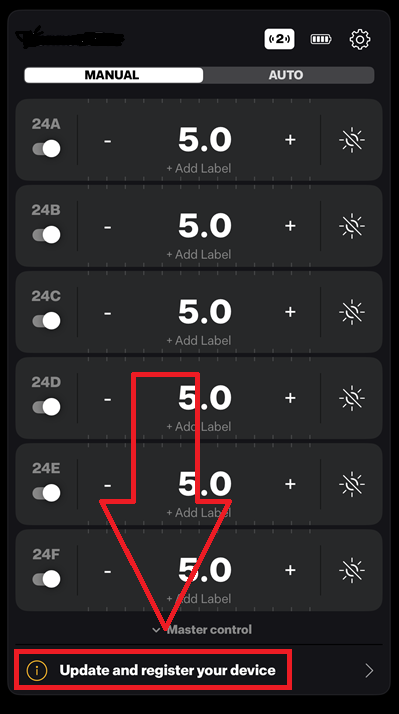
If a new firmware version is available, an update notification will appear in the app after you have connected your device.
Tap the notification and follow the instructions. During the update, keep your device within Bluetooth range to prevent
the process from being interrupted.
Before starting, make sure you have sufficient battery power.
- If the update notification does not appear:
- Log out from the app and then log in again.
- Make sure the app is updated with latest version.
- Check which firmware version is already installed on the device to make sure the latest version isn't
already installed.
In the app, tap the toogle wheel icon and go to Advanced settings > About.
To check which is the latest firmware version, go to the Product firmware updates section on the support page
and open the page for your product.
Was this article helpful?
That’s Great!
Thank you for your feedback
Sorry! We couldn't be helpful
Thank you for your feedback
Feedback sent
We appreciate your effort and will try to fix the article